Introduction
The introduction block type is used to provide welcome messages, instructions, or introductory content to survey respondents. This block type doesn't collect data but serves as an informational block to guide respondents through your survey.
Overview
Introduction blocks are essential for:
- Welcoming respondents to your survey
- Providing context and instructions
- Setting expectations about survey duration
- Explaining the purpose of the survey
- Be able to change the collect language
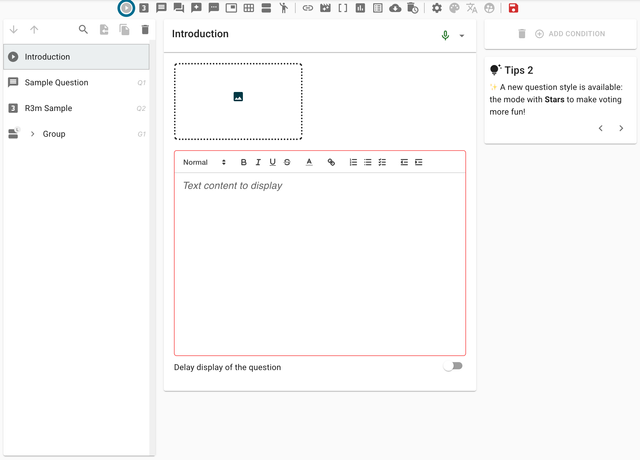
Collect view
When respondents encounter the introduction block in your survey, they see a clean, informative display designed to communicate your message effectively.

The collect view features:
- Clear messaging display - Your introduction text is prominently displayed
- Continue button - Allows respondents to proceed to the next question
- Responsive design - Adapts to different screen sizes and devices
- Customizable styling - Matches your survey's theme and branding
Introduction block settings
The introduction offers several configuration options to customize the respondent experience.
Content configuration
- Message text - The main content displayed to respondents
- Rich text formatting - Support for bold, italic, links, and basic HTML formatting
- Media support - Ability to include images or videos in your introduction
Timing settings
One of the key features of introduction blocks is the ability to control timing:
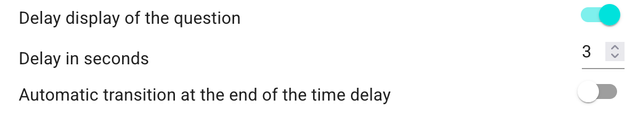
- Delay setting - Add a delay to the block, controlling how long respondents must wait before they can proceed
- Minimum viewing time - Ensures respondents spend adequate time reading the introduction
- Auto-advance - Optional automatic progression after a specified time period